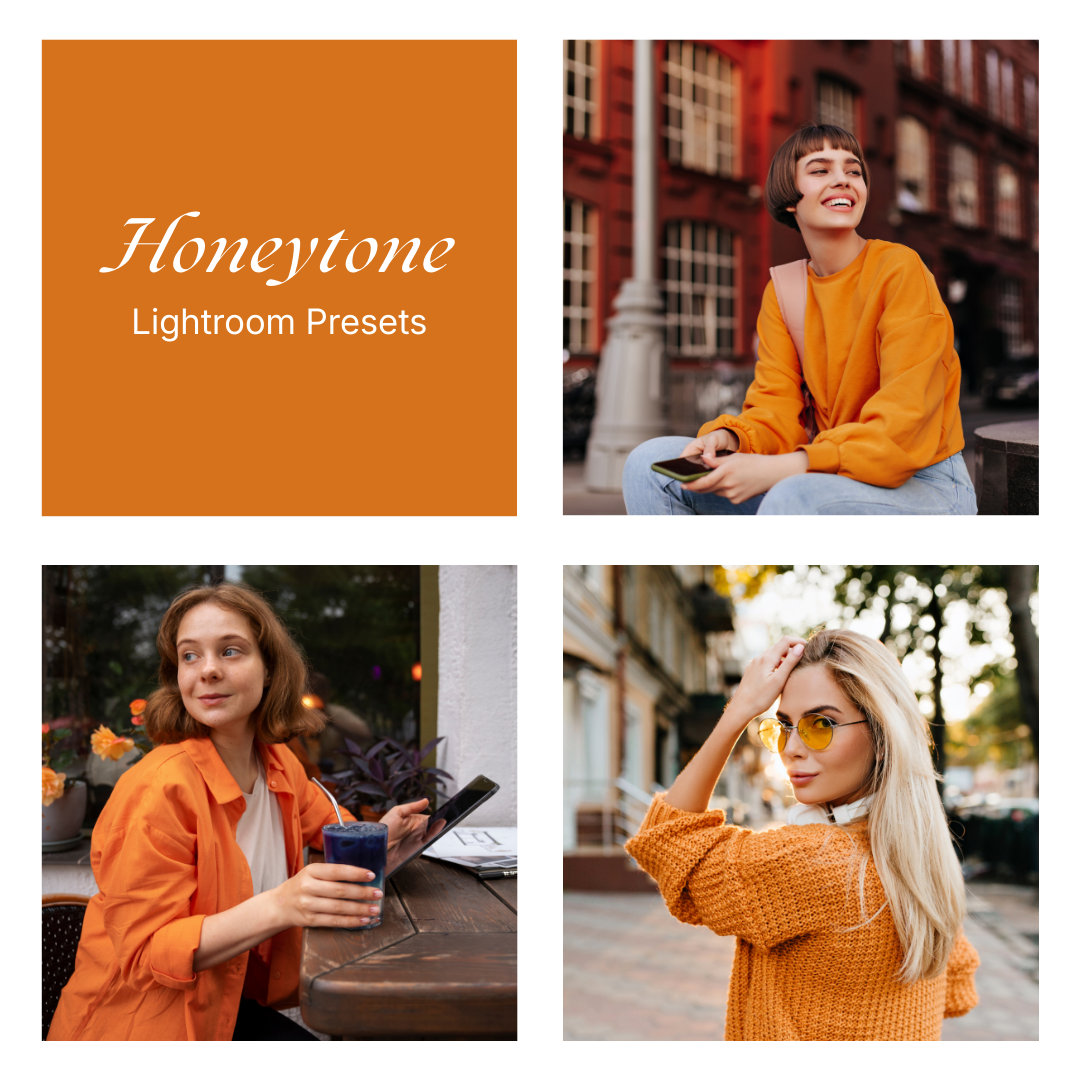
Honeytone — Preset Pack
$57.30 Original price was: $57.30.$47.89Current price is: $47.89.
Honeytone is a warm, orange-forward set with rich honey highlights and cozy midtones—built around golden warmth, soft contrast, and a vibrant street/portrait vibe.
Your files will be available to download once payment is confirmed.
Mobile:
Download the preset file(s) to your phone.
Open Lightroom → tap Add (+) and import the photo(s) or DNG preset.
Open the imported photo → tap Presets.
Select the preset → adjust if needed → tap Export/Share to save.
Desktop:
Download and unzip the preset pack on your computer.
Open Lightroom → go to the Develop module.
In the Presets panel, click + → Import Presets.
Select the preset files (.XMP) → Import.
Open a photo → choose your preset from the Presets panel.
Tip: If a preset looks different, tweak Exposure/White Balance—every photo and lighting setup is unique.
What is a preset?
To put it simply, presets are photo filters created for Adobe Lightroom app. They give your photos a certain look and mood you would like to have. A preset is a combination of different action, like brightness, color adjustment, white balance, etc – resulting in one final result called “preset”.
The benefit of using it is you will get your desired look only in one click. Depending on your photo’s lighting and colors, you may still want to make small tweaks, which is normal for all presets.
What if my picture is too dark / bright
After applying the preset, go to the “Light” tab in Lightroom and adjust the Exposure slider up or down until it looks right for your photo. Every photo is taken in different lighting conditions, so it’s normal to make small adjustments. A quick tweak usually makes the preset look perfect. :)
Honeytone One
The cleanest warm look—balanced honey warmth with a tidy, natural finish.
-
Color: Warm neutrals, controlled oranges
-
Light: Bright but even
-
Feel: Clean, modern, everyday warm
✅ Balanced warmth
✅ Natural contrast
✅ Polished color
Honeytone Two
A stronger amber push—richer oranges and warmer highlights.
-
Color: Deeper amber/orange
-
Light: Slightly brighter mids
-
Feel: Cozy, autumn-like, vibrant
✅ Richer amber tone
✅ Warmer highlights
✅ More color presence
Honeytone Three
A moodier take—more depth in shadows with warm glow on highlights.
-
Color: Warm oranges with darker neutrals
-
Light: Stronger separation
-
Feel: Cinematic, grounded, punchy
✅ Deeper shadows
✅ Warm highlight glow
✅ Stronger contrast
Honeytone Four
A softer, hazier warmth—gentle edges and smoother midtones.
-
Color: Warm honey with slightly muted saturation
-
Light: Softer roll-off
-
Feel: Dreamy, relaxed, film-like
✅ Softer warmth
✅ Smoother midtones
✅ Gentle haze
Honeytone Five
The most intense variation—bold warmth with maximum golden character.
-
Color: Strong honey/orange emphasis
-
Light: Brighter glow, vivid mids
-
Feel: Statement look, energetic, warm
✅ Bold golden tone
✅ High warmth intensity
✅ Vibrant overall mood
Related products

Lightroom Presets
Lightroom Presets
Lightroom Presets
Lightroom Presets