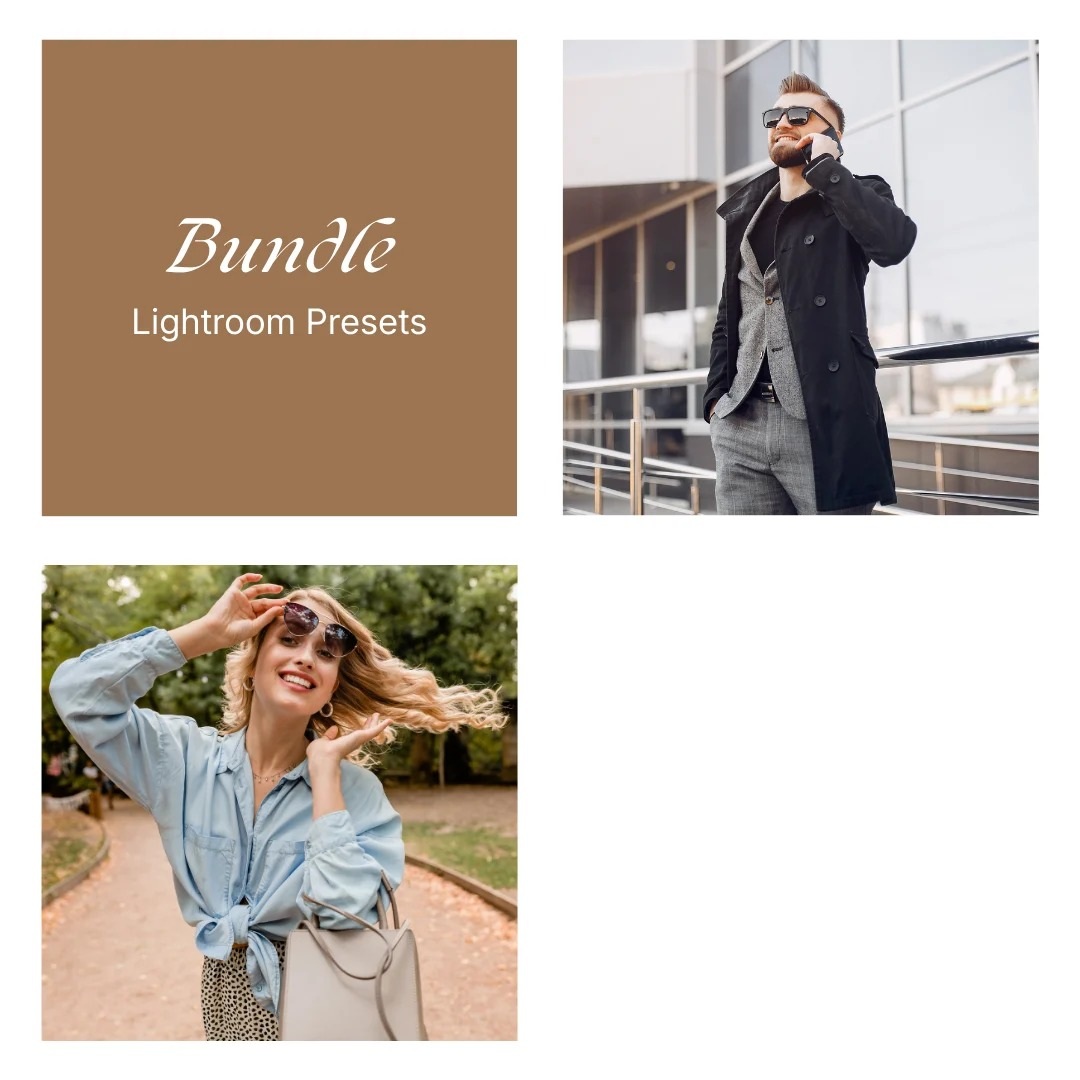
Bundle — Amberveil + Dawnlight
$32.50 Original price was: $32.50.$17.95Current price is: $17.95.
A refined 2-preset bundle that blends muted warmth with bright sunlit neutrals for a clean, versatile editing range.
Your files will be available to download once payment is confirmed.
Mobile:
Download the preset file(s) to your phone.
Open Lightroom → tap Add (+) and import the photo(s) or DNG preset.
Open the imported photo → tap Presets.
Select the preset → adjust if needed → tap Export/Share to save.
Desktop:
Download and unzip the preset pack on your computer.
Open Lightroom → go to the Develop module.
In the Presets panel, click + → Import Presets.
Select the preset files (.XMP) → Import.
Open a photo → choose your preset from the Presets panel.
Tip: If a preset looks different, tweak Exposure/White Balance—every photo and lighting setup is unique.
What is a preset?
To put it simply, presets are photo filters created for Adobe Lightroom app. They give your photos a certain look and mood you would like to have. A preset is a combination of different action, like brightness, color adjustment, white balance, etc – resulting in one final result called “preset”.
The benefit of using it is you will get your desired look only in one click. Depending on your photo’s lighting and colors, you may still want to make small tweaks, which is normal for all presets.
What if my picture is too dark / bright
After applying the preset, go to the “Light” tab in Lightroom and adjust the Exposure slider up or down until it looks right for your photo. Every photo is taken in different lighting conditions, so it’s normal to make small adjustments. A quick tweak usually makes the preset look perfect. :)
This bundle is designed for creators who want a polished everyday set that feels cohesive across both moodier and lighter scenes. On the original product page, Amberveil is framed as the warm, grounded side of the bundle, while Dawnlight brings the bright daylight finish. The original description also emphasizes a smooth range from cozy editorial tones to cleaner, lighter color, which translates naturally into a two-preset pairing once Clearwave is removed.
Amberveil adds subdued warmth, grounded neutrals, and a more tailored polished feel, while Dawnlight keeps edits bright, airy, and gently sunlit. Together, they create a balanced set that moves easily between soft city tones and fresh everyday light without feeling repetitive or overly stylized.
✅ Warm muted tones and bright daylight softness in one cohesive set
✅ Clean color, soft contrast, and an easy polished finish
✅ Perfect for portraits, lifestyle scenes, city edits, and everyday content
Related products
Lightroom Presets
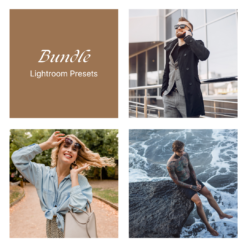
Lightroom Presets
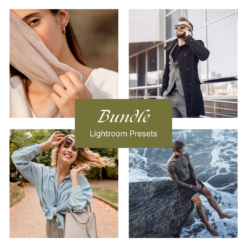
Lightroom Presets
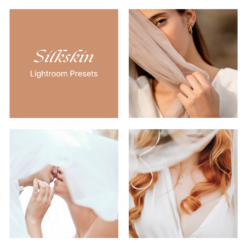
Lightroom Presets
Lightroom Presets