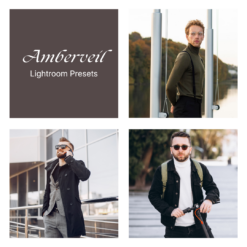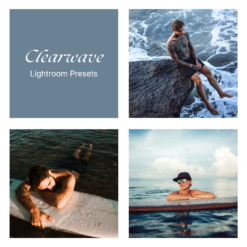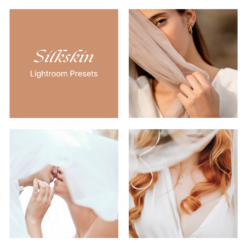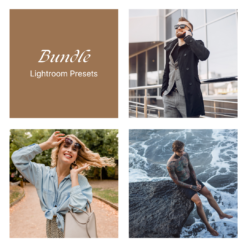
Amberveil + Clearwave + Dawnlight + Honeytone + Silkskin — Bundle
$114.70 Original price was: $114.70.$96.95Current price is: $96.95.
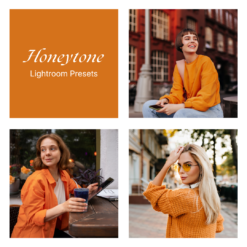
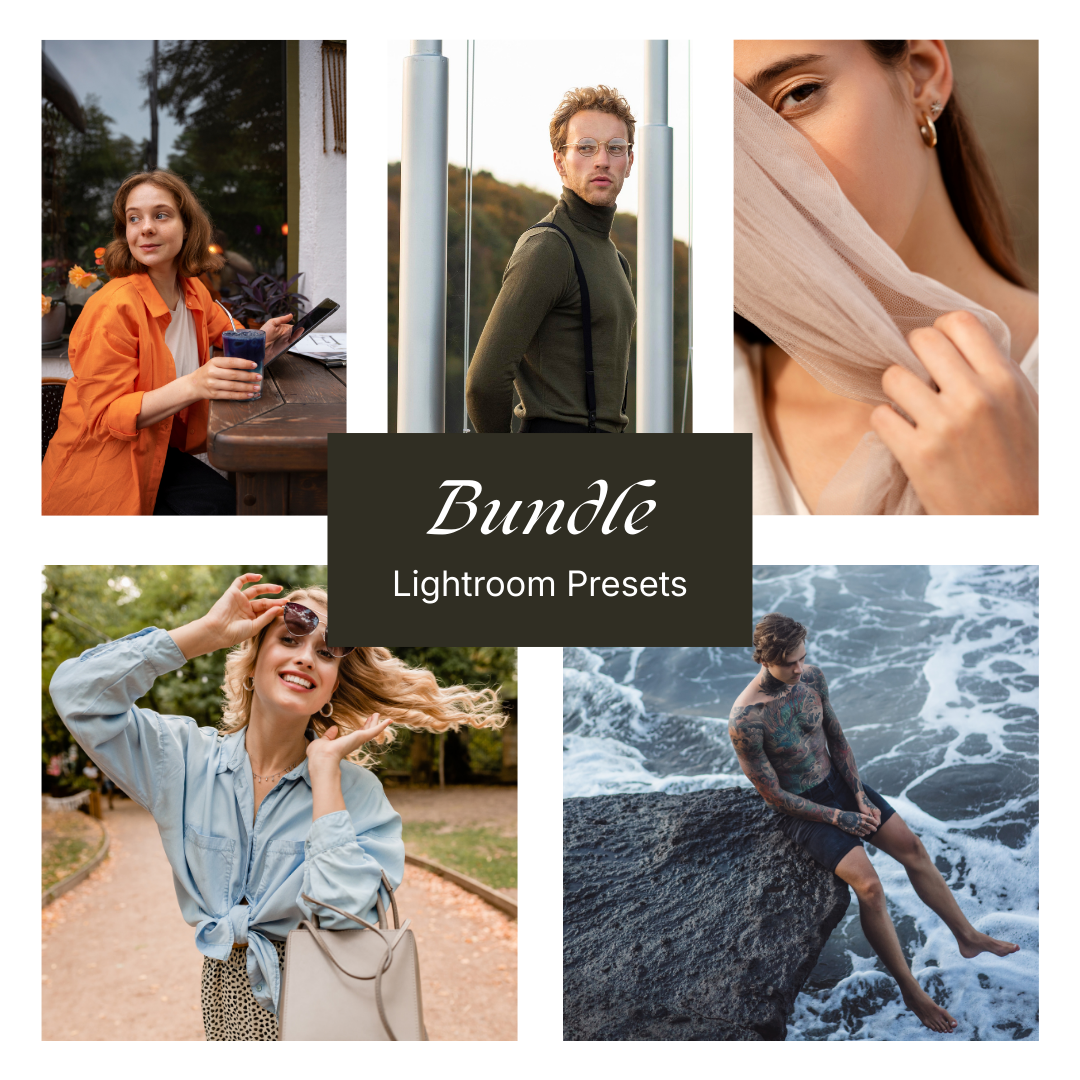
A warm–to–cool bundle that moves from muted city amber to crisp sea blues, bright daytime color, honey-rich street tones and veil-soft portraits, all in one set.
Your files will be available to download once payment is confirmed.
Mobile:
Download the preset file(s) to your phone.
Open Lightroom → tap Add (+) and import the photo(s) or DNG preset.
Open the imported photo → tap Presets.
Select the preset → adjust if needed → tap Export/Share to save.
Desktop:
Download and unzip the preset pack on your computer.
Open Lightroom → go to the Develop module.
In the Presets panel, click + → Import Presets.
Select the preset files (.XMP) → Import.
Open a photo → choose your preset from the Presets panel.
Tip: If a preset looks different, tweak Exposure/White Balance—every photo and lighting setup is unique.
What is a preset?
To put it simply, presets are photo filters created for Adobe Lightroom app. They give your photos a certain look and mood you would like to have. A preset is a combination of different action, like brightness, color adjustment, white balance, etc – resulting in one final result called “preset”.
The benefit of using it is you will get your desired look only in one click. Depending on your photo’s lighting and colors, you may still want to make small tweaks, which is normal for all presets.
What if my picture is too dark / bright
After applying the preset, go to the “Light” tab in Lightroom and adjust the Exposure slider up or down until it looks right for your photo. Every photo is taken in different lighting conditions, so it’s normal to make small adjustments. A quick tweak usually makes the preset look perfect. :)
This bundle links together five different visual directions without overlapping: Amberveil stays muted and elegant around amber neutrals; Clearwave emphasizes water, sky and cool clarity; Dawnlight brings a light, softly warm daylight look; Honeytone focuses on rich golden color and cozy midtones; Silkskin keeps things very soft, bright and skin-oriented. Together they form a compact toolkit that covers a wide spectrum of tones and atmospheres, from subtle and restrained to bold and sunlit, while maintaining a consistent, polished style.
✅ Five clearly distinct color moods in one bundle
✅ Covers muted warmth, coastal blue, airy daylight, honey gold and veil-soft portraits
✅ Smooth, controlled rendering of light, contrast and skin tones
Related products
Lightroom Presets
Lightroom Presets
Lightroom Presets
Lightroom Presets
Lightroom Presets